

The cloud phone system for your business
One business number on your desk phone, your computer and your mobile. Set up call flows, voicemail and your team yourself, in English or French.
- Keep your number
- Desk phone, computer, mobile
- English & French
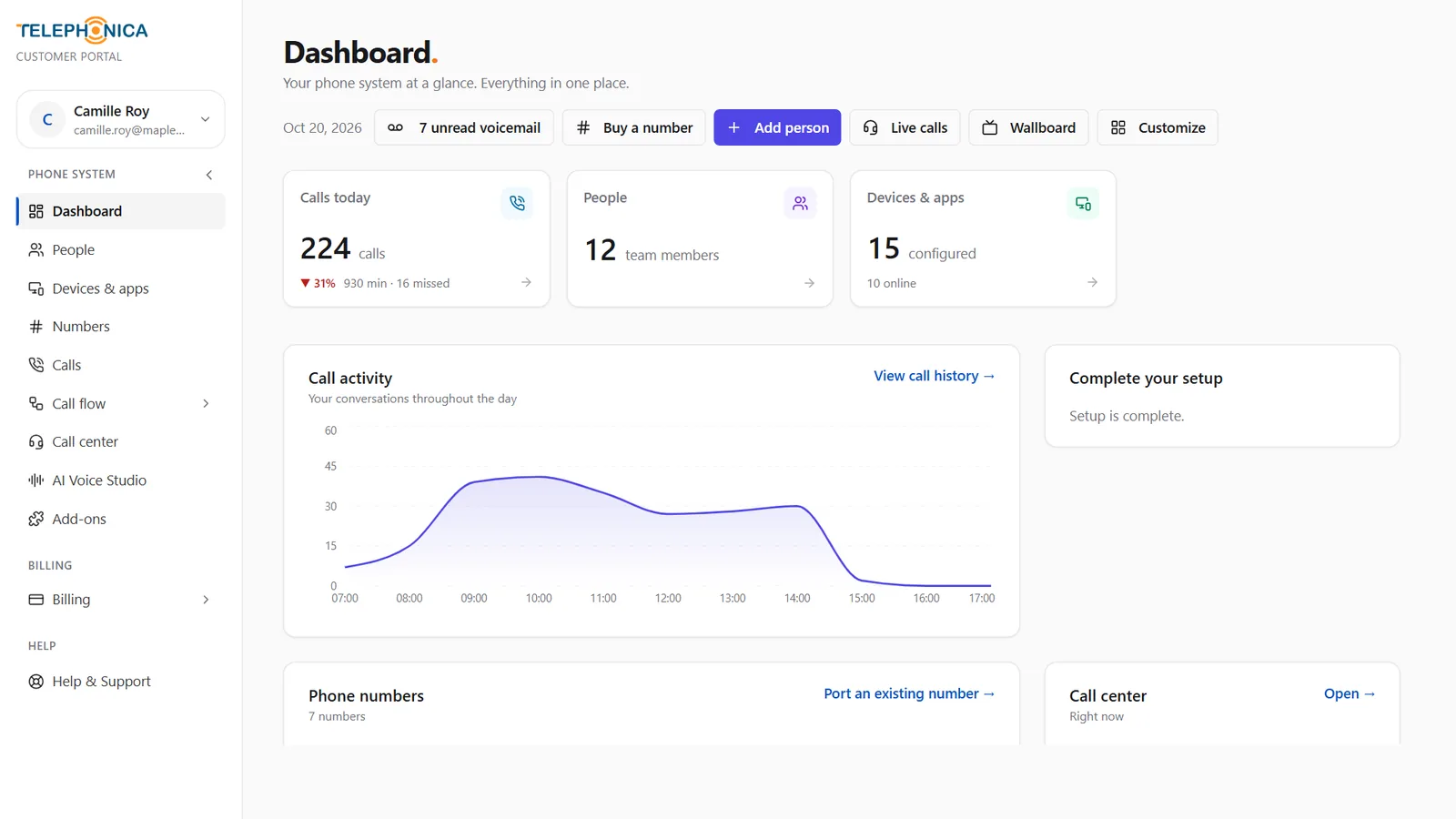
01 / 04
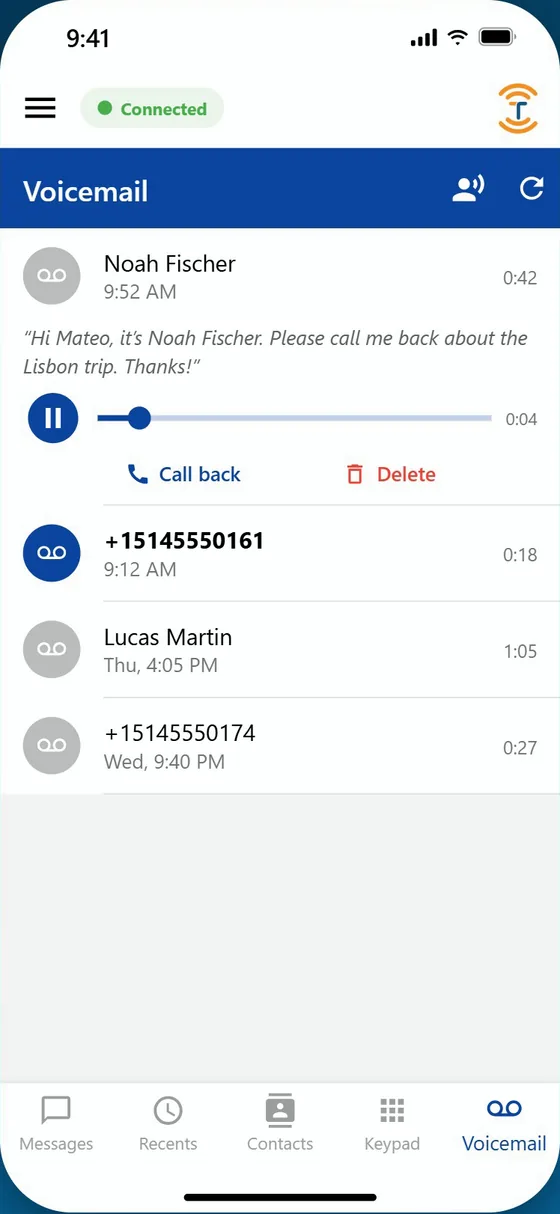
One number, every device
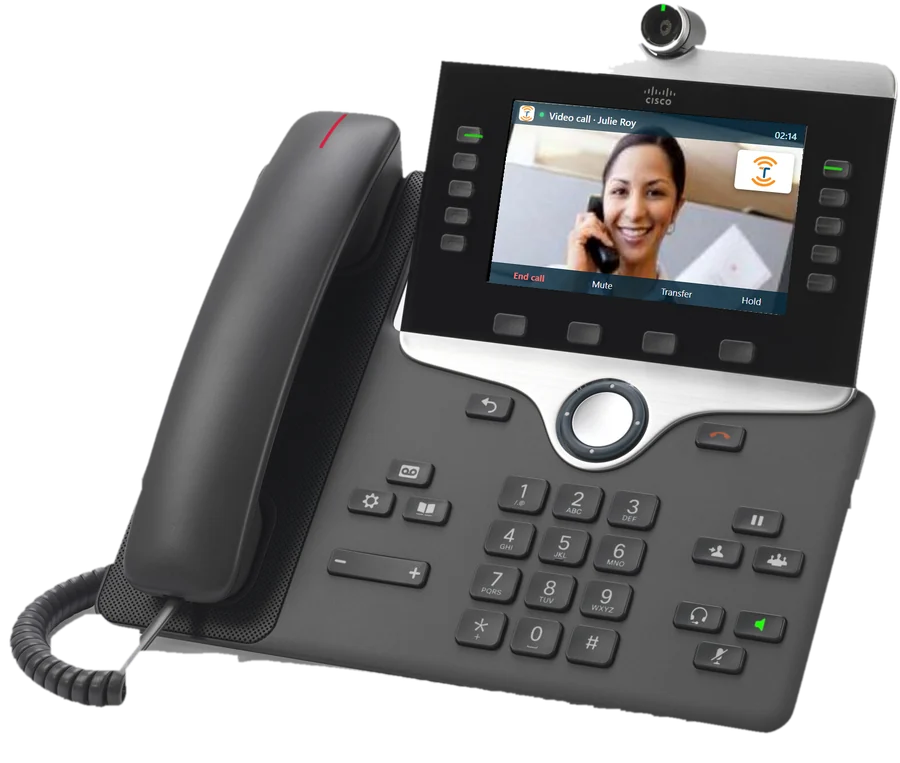
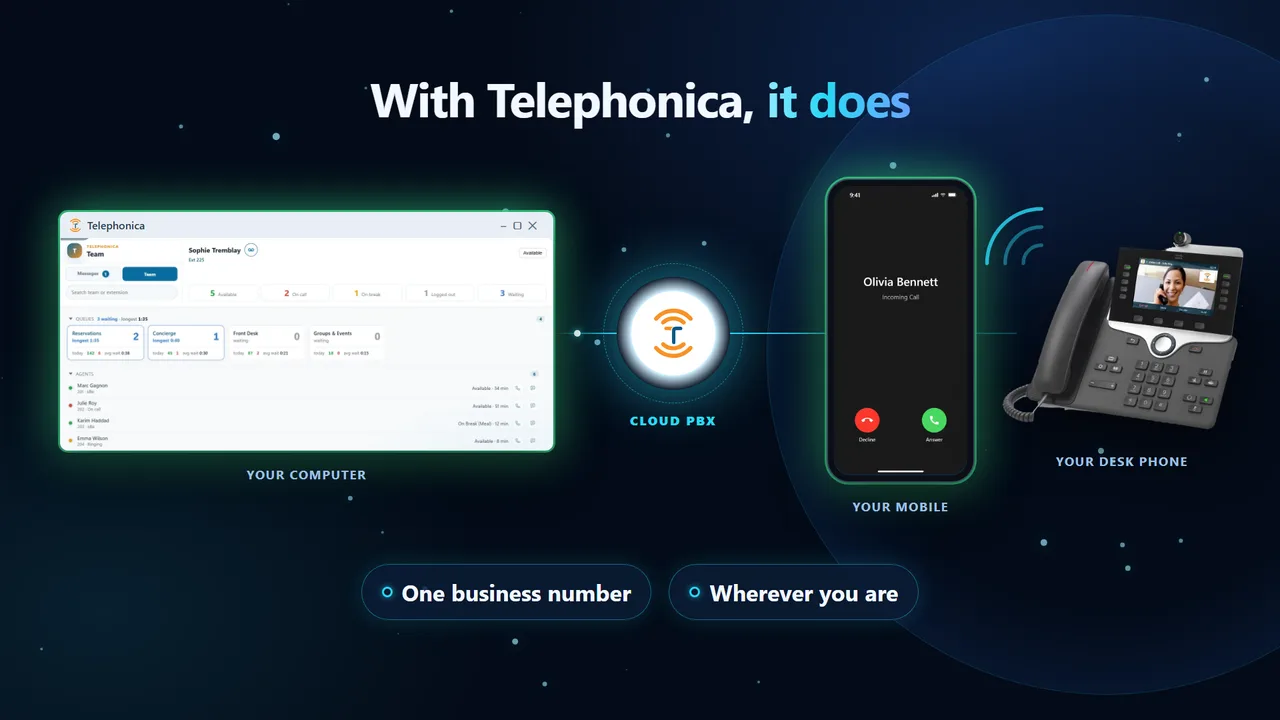
Answer on the phone on your desk, the app on your computer or the app in your pocket. Your caller sees one business number.
 Telephonica
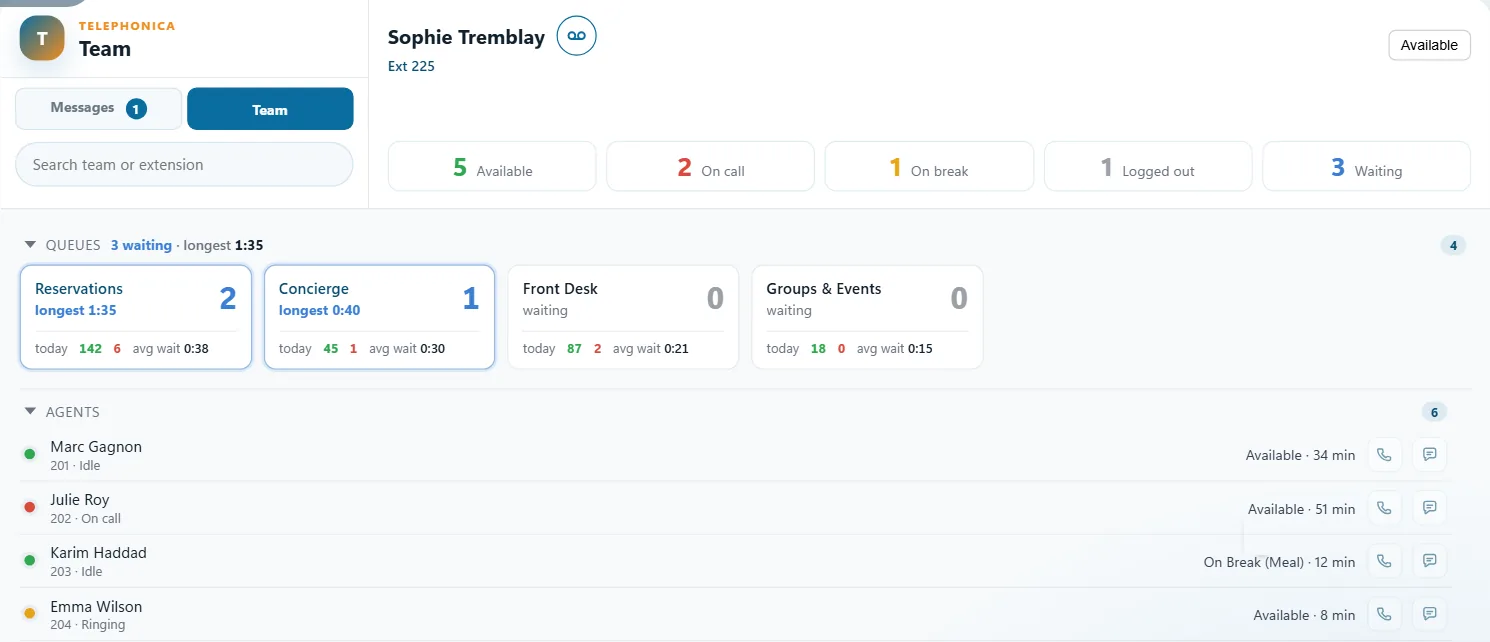 Cloud PBX
- Transfer & conference
- Voicemail
- Auto-attendant menus
- Ring groups
- Call queues
- Call recording
- SMS & MMS texting
- Contacts with live status
Real portal screen shown with a demo account.
02 / 04
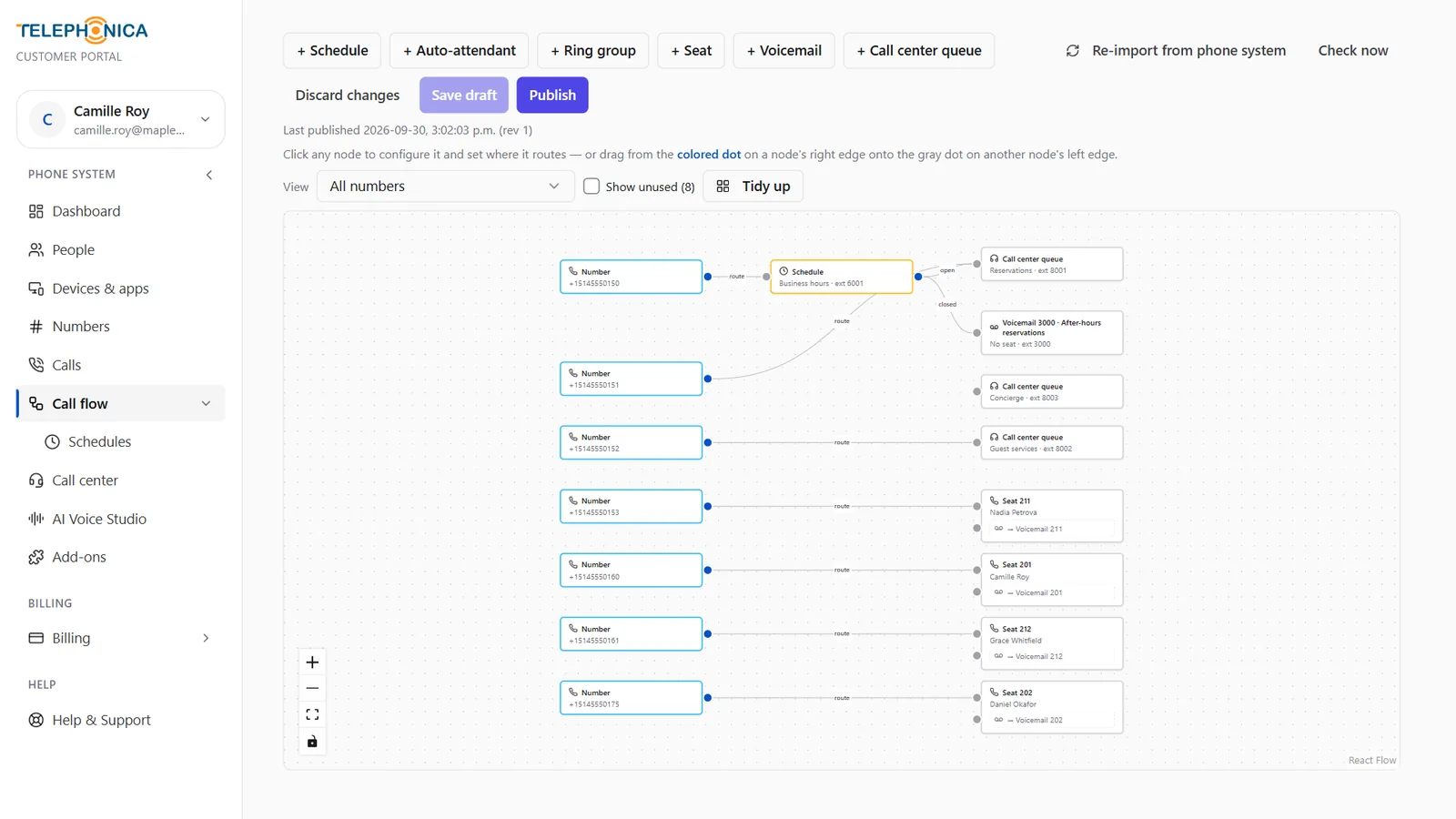
Call flowDecide where every call goes
Draw your call flow on one screen: which number rings where, at what time, and what happens when nobody answers.
- Auto-attendant and schedulesA menu for your callers, and different routes for open and closed hours.
- Ring groups and queuesRing a whole team at once, or line callers up for the next free person.
- Voicemail and forwardingVoicemail for every seat, and call forwarding when you are away.
03 / 04
Your teamPeople and devices, managed by you
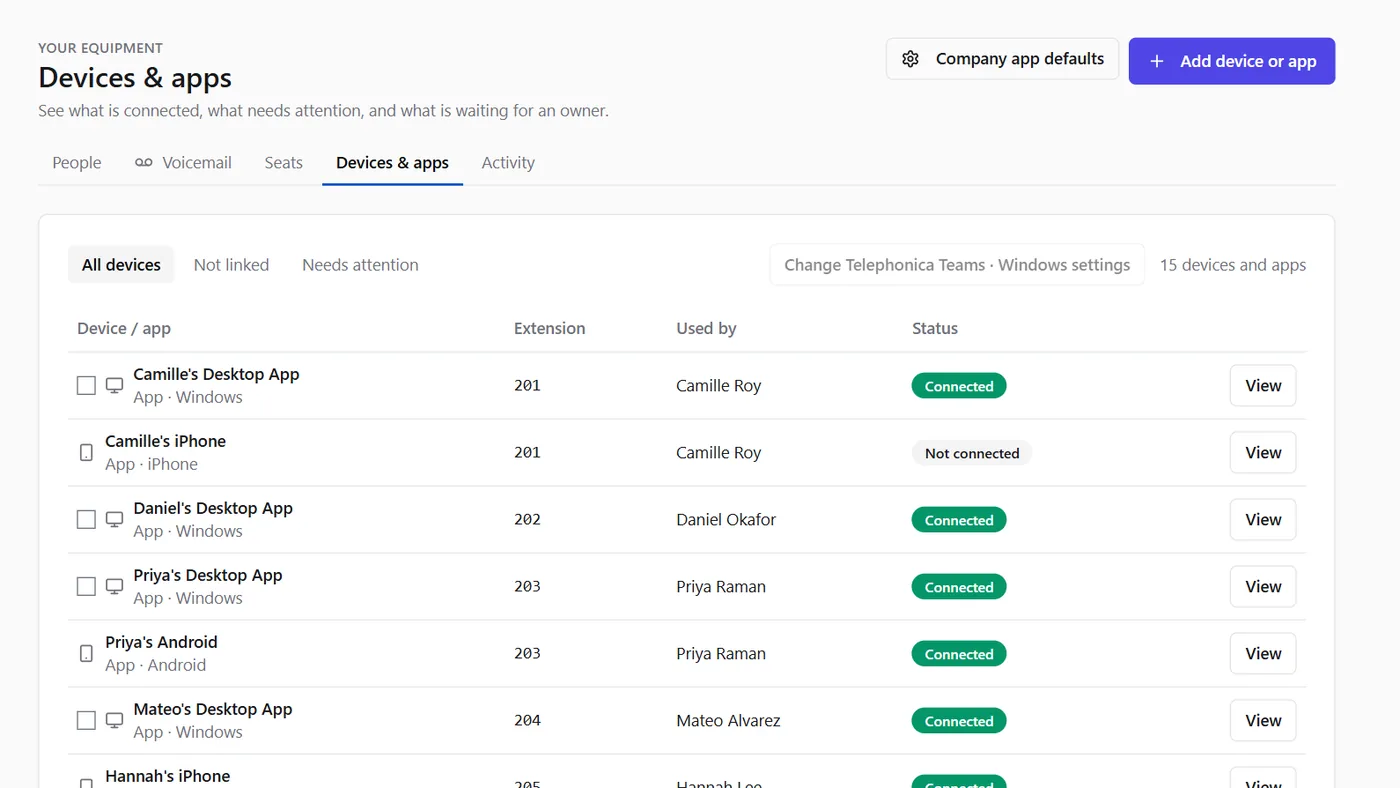
No waiting for a technician: you add people and phones yourself in the client portal.
- Add a person in minutesGive them an extension, an app or a desk phone, and a role.
- See every deviceWhich phones and apps are connected, and which need attention.
- Roles for your teamAdmins, supervisors, agents and billing contacts each see what they need.
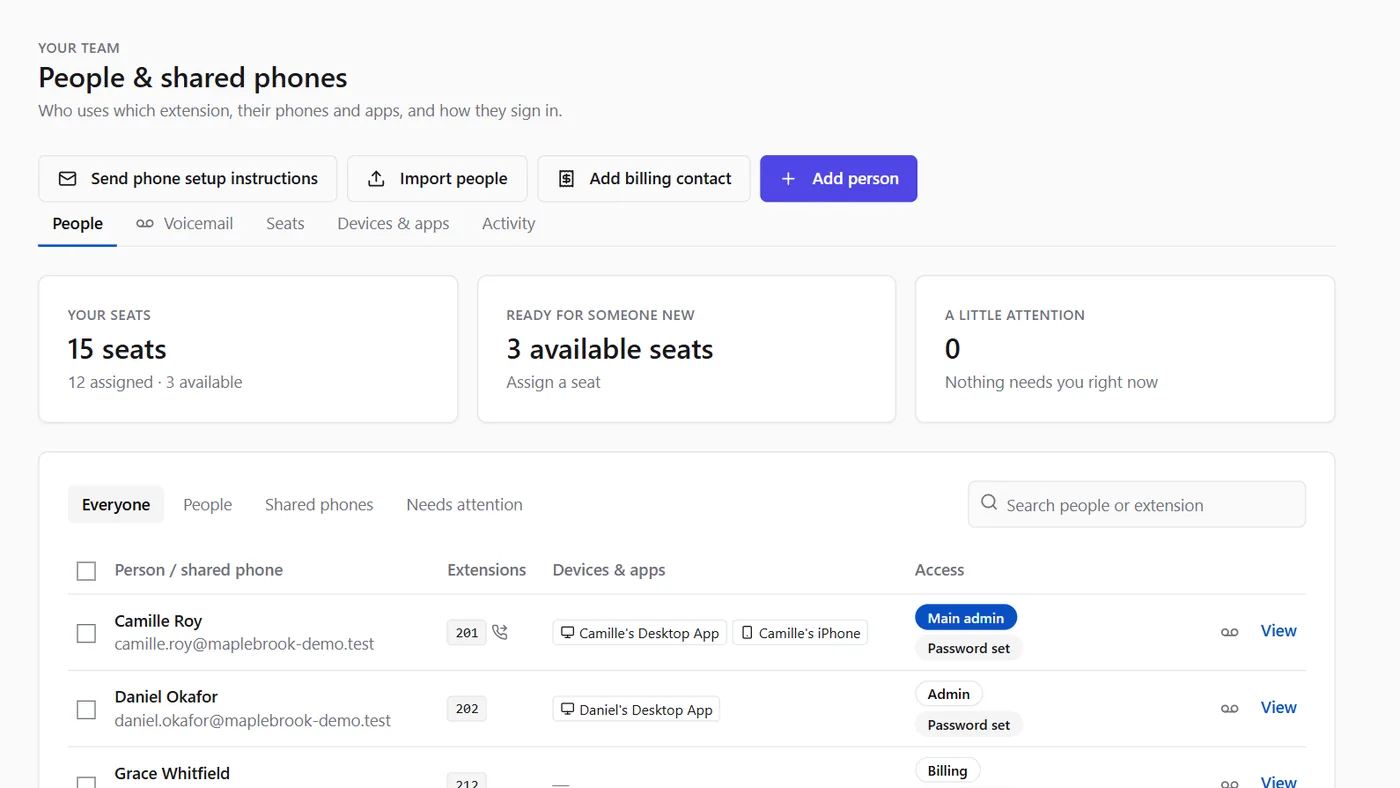
Real portal screen shown with a demo account.
Real portal screen shown with a demo account.
04 / 04
NumbersYour number comes with you
Keep the number your customers know, and add numbers where you do business.
- Keep your numberTransfer (port) your existing number to Telephonica: Canadian, US or international.
- Local, toll-free and international numbersCanadian local and toll-free numbers, US numbers, and international numbers you buy in the portal.
- Emergency calls911 on Canadian and US numbers, with the address registered in the portal. On international numbers, emergency calls go to the local emergency service where it is available.
The Telephonica phone system in 60 seconds
 Play video: the Telephonica phone system in 60 seconds
A plan for your team
Start online today, or ask us for a quote for a larger rollout. The pricing page compares Essentials, Pro and Executive.
Pro
- 1 basic call queue
- Team call reports
- Call recording, 30 days
- CRM pop-up on incoming calls
- Business texting
- Assisted setup
Executive
- Dedicated account manager
- Full call center: queues, agents, callbacks and wallboard
- Full CRM integration and API access
- Multiple locations and numbers in other countries
- Tailored deployment
Compare all plans and prices · Guide: what to compare in a cloud phone system
See it with your own team in mind
Tell us how many people you have, the numbers you want to keep and the phones you use today. We will show you the phone system and suggest a plan.
- A reply within one business dayFrom our team, in English or French.
- A live demoCall flow, people, devices and the apps.
- A plan and a quoteFor your team, your numbers and your phones.
Or call us at 1-844-360-0400, Monday to Friday, 9 a.m. to 5 p.m. Eastern.
Your request goes to our sales team. Open the form in a new tab
Cloud phone system questions
What is a cloud phone system?
A cloud phone system handles your business calls over the internet (VoIP). The phone system runs in the cloud instead of in a box at your office. With Telephonica your team answers on desk phones, on the desktop app and on the mobile app, with one business number.
Can I keep my phone number?
Yes. You can transfer (port) your existing number to Telephonica, whether it is Canadian, US or international. You can also get new Canadian local and toll-free numbers, US numbers, and international numbers, bought directly in the client portal.
Do I need desk phones?
No. Your team can use the Telephonica app on iPhone, Android, Mac and Windows. Desk phones work too, and you can mix them.
Does 911 work?
911 is available on Canadian and US numbers. You register the address of each number in the client portal. On international numbers, emergency calls are routed to the local emergency service where it is available.
Can I send text messages from my business number?
Yes. Telephonica offers SMS and MMS texting from your business number, in the Telephonica app. Business texting is included in the Pro plan.
Can I manage the phone system myself?
Yes. In the client portal at my.telephonica.ca you manage people, devices, numbers, call flows, schedules, voicemail and call forwarding, in English or French.
How do I get started?
Choose a plan and buy online, or ask us for a demo and a quote. The Pro plan includes assisted setup.
When is support available?
Our team supports you in English and French, Monday to Friday from 9 a.m. to 5 p.m. Eastern. Support is available 24/7 by email and through our AI assistant.
More from Telephonica
AI receptionist · Call center solutions · eFax · Virtual numbers · Plans and prices
